Taming the Chaos: A Developer's Guide to Decluttering Your Digital Workspace in 2025


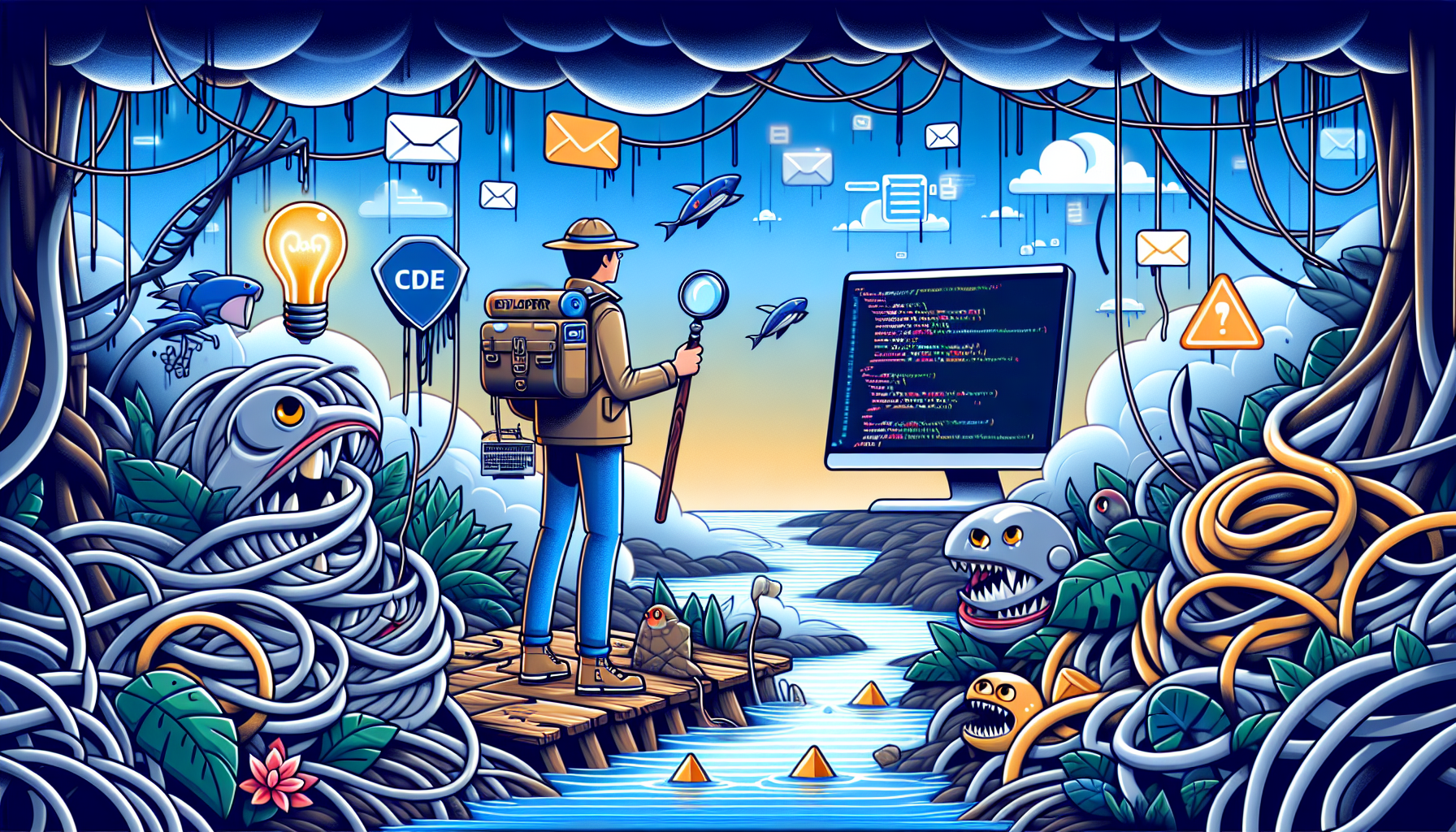
Welcome to the jungle, fellow developers. The digital jungle, that is. It's a place where code snippets roar louder than lions, and unchecked email inboxes slither like snakes, waiting to strike with the latest 'urgent' request. But fear not, for I, Milad, have ventured deep into this wilderness and returned with tales of triumph (and a few scars) to share with you. In our quest for productivity, we'll explore the art of digital decluttering and why, in the world of software development, less truly is more.
The Art of Digital Decluttering: Why Less is More in Developer Productivity
Imagine if every tool in a surgeon's kit had a mind of its own, buzzing and whirring for attention during a critical operation. That's our digital workspace on a bad day. The first step to decluttering is understanding that every notification, every app, and even that cute cat meme wallpaper, vies for a slice of your attention. And in a field where the depth of focus determines the height of mastery, every slice matters. Let's embark on this journey of digital minimalism, not just to tidy up, but to amplify our creative and productive output.
Toolbox Triage: Deciding What Stays and What Goes
Begin with the essentials. For a developer, this means your IDEs, code editors, and the terminal. But as we venture beyond the essentials, the line gets blurry. Here's a practical tip: if you haven't used a tool in the last three months, it's ripe for reconsideration.
For instance, let's say you find yourself juggling between Visual Studio Code and Sublime Text. Ask yourself, "Do I really need both?" If VS Code's Prettier plugin has been your go-to for formatting and you can't remember the last time you opened Sublime, it might be time to bid farewell.
Before we dive into the example, it’s crucial to note that before running npm install --save-dev prettier, you should ensure you have a Node.js project initialized with npm init. This step is necessary to create a package.json file which is required to track project dependencies.
// Initialize a Node.js project
npm init -y
// Install Prettier as a development dependency
npm install --save-dev prettier

// Format a JavaScript file using Prettier
prettier --write "src/**/*.js"
By honing in on the tools that genuinely enhance your workflow, you create a leaner, meaner digital workspace.
Automating Your Way to a Cleaner Desktop: Scripts and Extensions That Do the Dirty Work
Automation is like hiring a digital janitor for your workspace, and the good news is, they work for code snippets instead of cash. Let's automate the mundane to keep our desktops and minds clutter-free.
For the Node.js aficionados, creating a simple script to clean up old log files can be both a sanity saver and a fun Saturday project. Here’s a quick example:
const fs = require('fs')
const path = require('path')
const directory = 'path/to/your/logs'

fs.readdir(directory, (err, files) => {
  if (err) throw err

  for (const file of files) {
    fs.stat(path.join(directory, file), (err, stat) => {
      if (err) throw err
      // Replace 604800000 with the desired age in milliseconds
      // This example uses one week (7 * 24 * 60 * 60 * 1000)
      if (Date.now() - stat.mtime.getTime() > 604800000) {
        fs.unlink(path.join(directory, file), (err) => {
          if (err) throw err
          console.log(`${file} was deleted`)
        })
      }
    })
  }
})
This script checks for log files older than a week in the specified directory and deletes them. Automate this with a cron job or a task scheduler, and voila, you’ve just automated decluttering part of your digital workspace.
Mastering the Art of Efficient Digital Filing: Tips and Tricks for Organizing Projects
Organization goes beyond just clearing clutter; it’s about setting up a system that prevents it from accumulating in the first place. Here are a couple of practices I’ve found incredibly useful:
- Keep a Consistent Naming Convention: Whether it’s for files, folders, or projects, decide on a naming convention and stick to it. This could be as simple as
YYYY-MM-DD_ProjectName. - Leverage Version Control: Tools like Git not only help with collaboration but also keep your local directories clean. Use branches for features or experiments, and keep the
mainbranch as your holy grail of working, deployable code. Before merging a feature branch back into the main, it's crucial to ensure your feature branch is up to date with any changes from the main branch. This can be achieved by fetching the latest changes from main and merging them into your feature branch first, resolving any conflicts that arise.
# Example of using branches in Git for better organization
git checkout feature/new-awesome-feature
# Ensure the feature branch is up to date with main
git fetch origin main:main
git merge main
# Resolve any conflicts, then switch back to the main branch and merge
git checkout main
git merge feature/new-awesome-feature
With these practices, you'll not only keep your digital space tidy but also streamline your development workflow.
Conclusion: Embracing Minimalism for Maximum Productivity
In the digital jungle, the minimalist developers are the apex predators. They move swiftly, unencumbered by the digital underbrush that ensnares the rest. By mastering the art of decluttering, automating menial tasks, and organizing our digital realms, we not only reclaim our precious cognitive bandwidth but also elevate our craft.
Remember, decluttering is not a one-time event but a philosophy of continuous improvement. As our tools evolve and our skills sharpen, so too should our approach to maintaining our digital workspace. So here’s to less clutter, more clarity, and coding triumphs in the vast digital jungle of 2025. Happy coding!